Affiliate disclosure: 3D AI Lab earns a commission if you buy a Tripo AI plan through links on this page, at no extra cost to you. We are independent and not run by Tripo. Details.
Tripo Black Friday, Nov 23 – Dec 4: up to 65% off plans plus 2 extra months of credits (per Tripo's affiliate program). Also through Dec 30: code AFMAX60 for 60% off the monthly MAX plan. Check final prices on Tripo's pricing page before you buy.
From sketch to 3D print with AI
Generate a detailed model from a photo or sketch, export a slicer-ready mesh, and print. Great for tabletop minis, figurines and custom gifts.
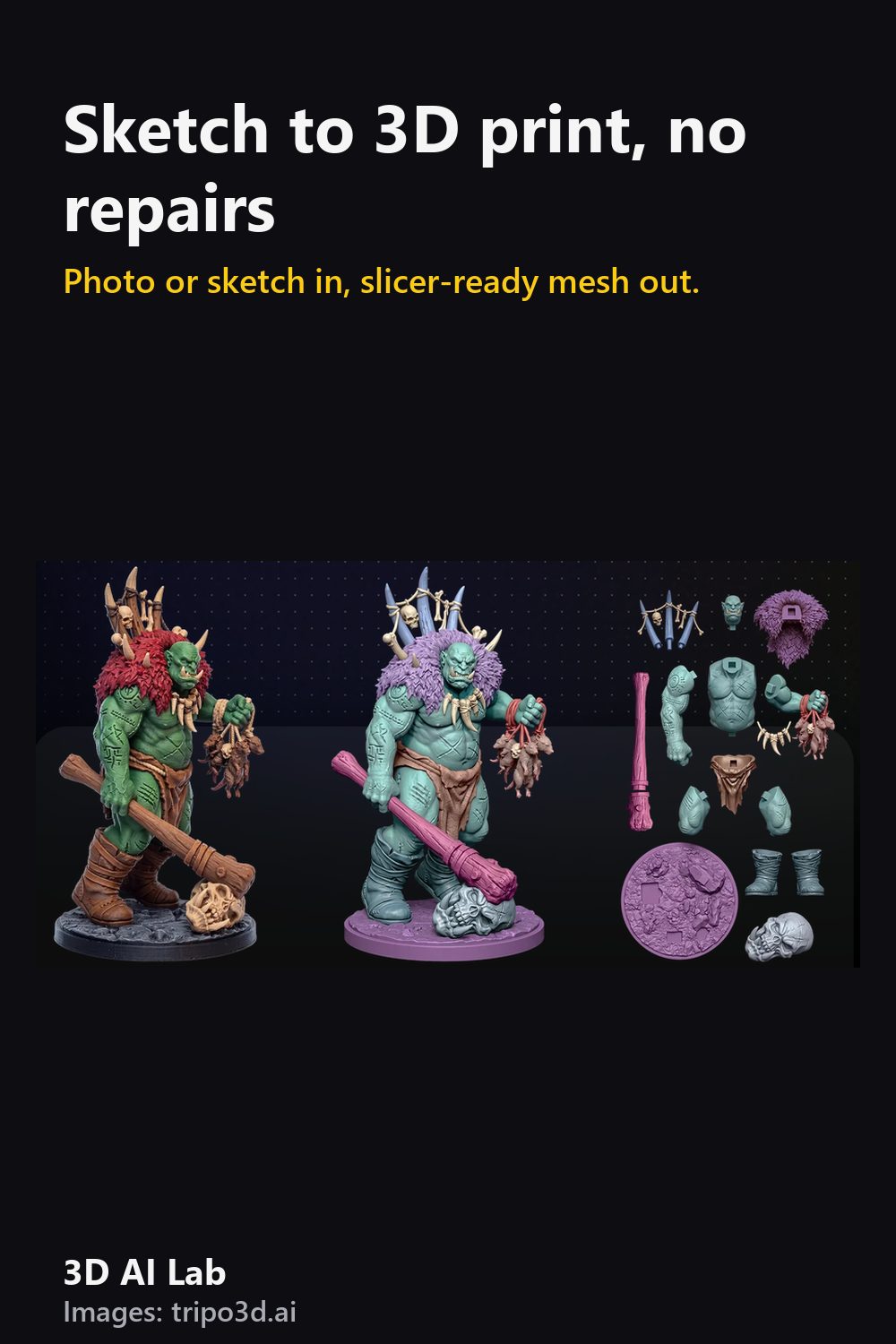
The workflow
- Generate in High Detail mode from a clean image (see photo-to-3D tips).
- Export as STL, 3MF or OBJ. 3MF keeps units and is best for modern slicers.
- Open in your slicer (Bambu Studio, PrusaSlicer, Cura or Chitubox for resin) and check scale first.
- Add supports under overhangs past ~45°. Resin minis: tilt 30–45° and use light supports.
- Do a small test print before the full-size one.
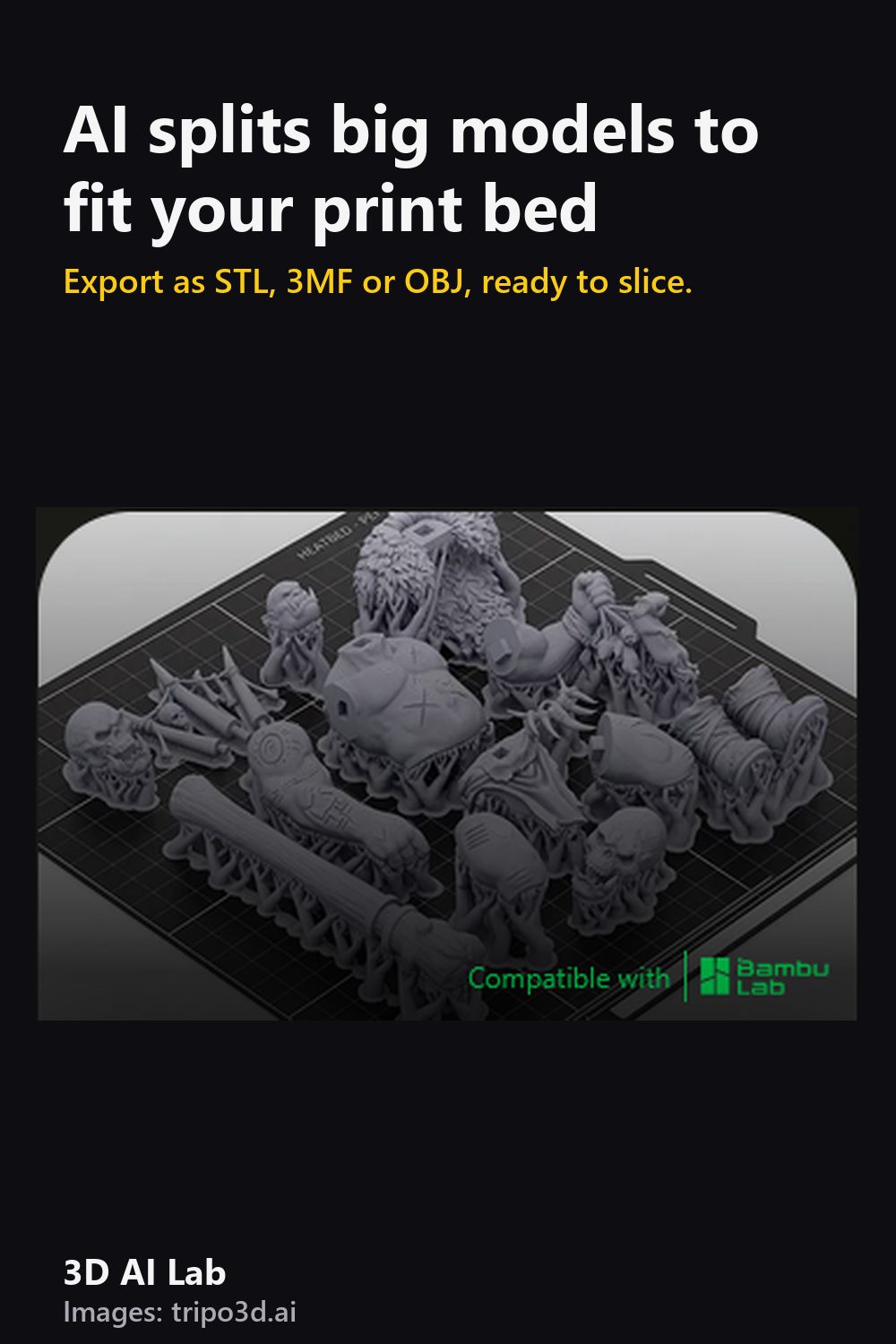
Model bigger than your print bed?
Tripo's smart segmentation splits larger models into parts sized for your bed. Print them separately and glue or pin them together. Plan seams where they'll be hidden, like under armor plates or at the waist.
Print tips that apply to any model
- FDM: 0.12–0.16 mm layers for figures; PLA is easiest.
- Resin: wash and cure fully; wear gloves.
- Hollow big resin prints and add drain holes to save resin.