Affiliate disclosure: 3D AI Lab earns a commission if you buy a Tripo AI plan through links on this page, at no extra cost to you. We are independent and not run by Tripo. Details.
Tripo Black Friday, Nov 23 – Dec 4: up to 65% off plans plus 2 extra months of credits (per Tripo's affiliate program). Also through Dec 30: code AFMAX60 for 60% off the monthly MAX plan. Check final prices on Tripo's pricing page before you buy.
Game-ready 3D assets with AI
Go from an image to a 3D asset you can drop into your engine. Built for solo indie devs and small teams.
Export formats
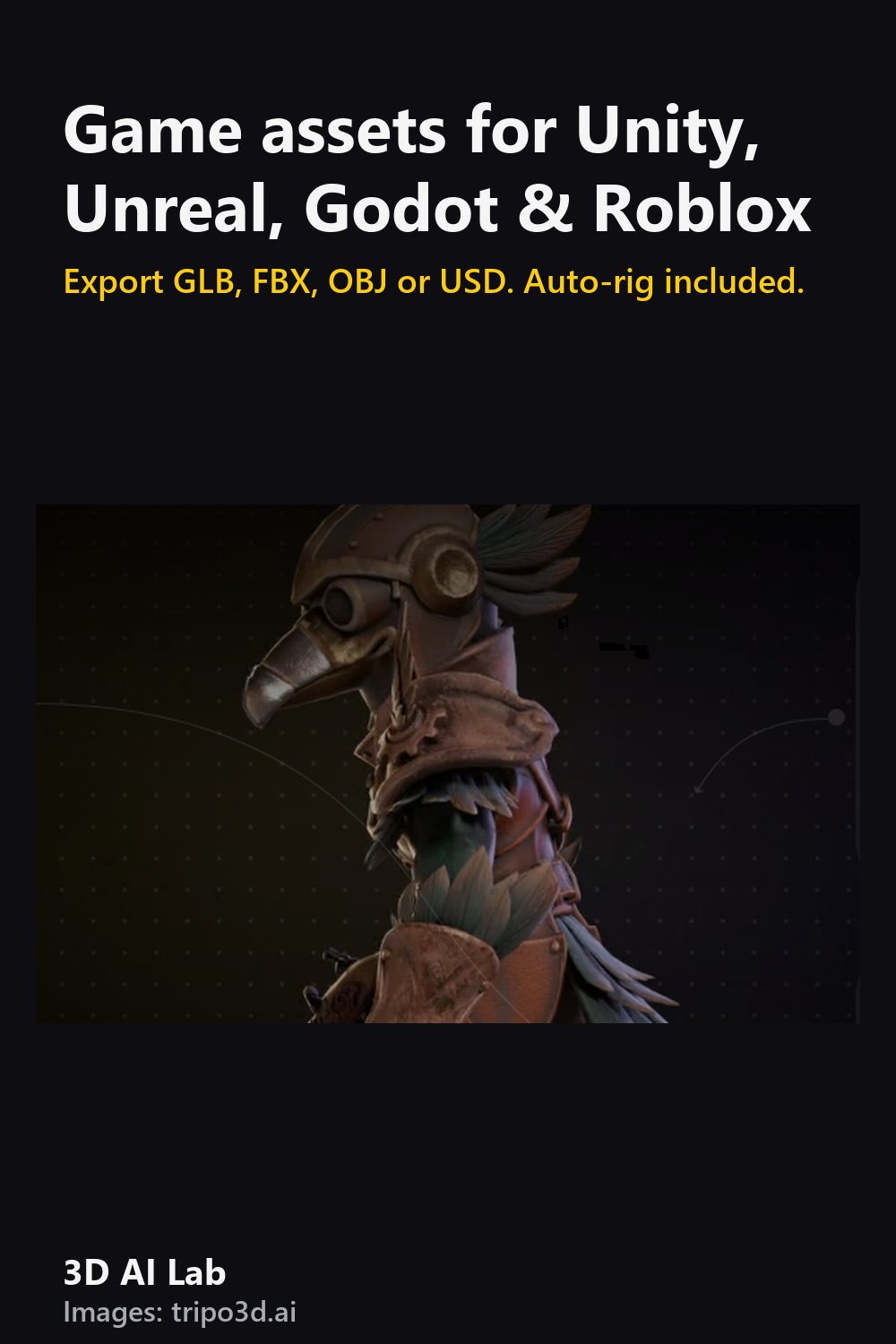
Tripo exports GLB, FBX, OBJ and USD. Use Smart Mesh for clean quad topology at game-friendly polygon counts (why it matters).
Importing
- Unity: drag the FBX into Assets; set scale factor and extract materials.
- Unreal: Import FBX; tick "Import Skeletal Mesh" for rigged characters.
- Godot: GLB imports natively; double-click to set up the scene.
- Roblox Studio: use the 3D Importer with FBX or OBJ, and keep within Roblox's triangle limits.
Characters that move
Tripo can auto-rig a character with a skeleton for animation. Then add animations in your engine or in Mixamo-style tools.
Want to make your own shooter?
Start tiny: one map, one weapon, one enemy. Generate props and enemies with AI, then spend your time on gameplay. Godot and Unity both have free FPS starter templates.