Affiliate disclosure: 3D AI Lab earns a commission if you buy a Tripo AI plan through links on this page, at no extra cost to you. We are independent and not run by Tripo. Details.
Tripo Black Friday, Nov 23 – Dec 4: up to 65% off plans plus 2 extra months of credits (per Tripo's affiliate program). Also through Dec 30: code AFMAX60 for 60% off the monthly MAX plan. Check final prices on Tripo's pricing page before you buy.
Turn a photo into a 3D model with AI
Upload a photo, image or sketch and an AI 3D generator builds a textured model from it. Here's how to get good results.
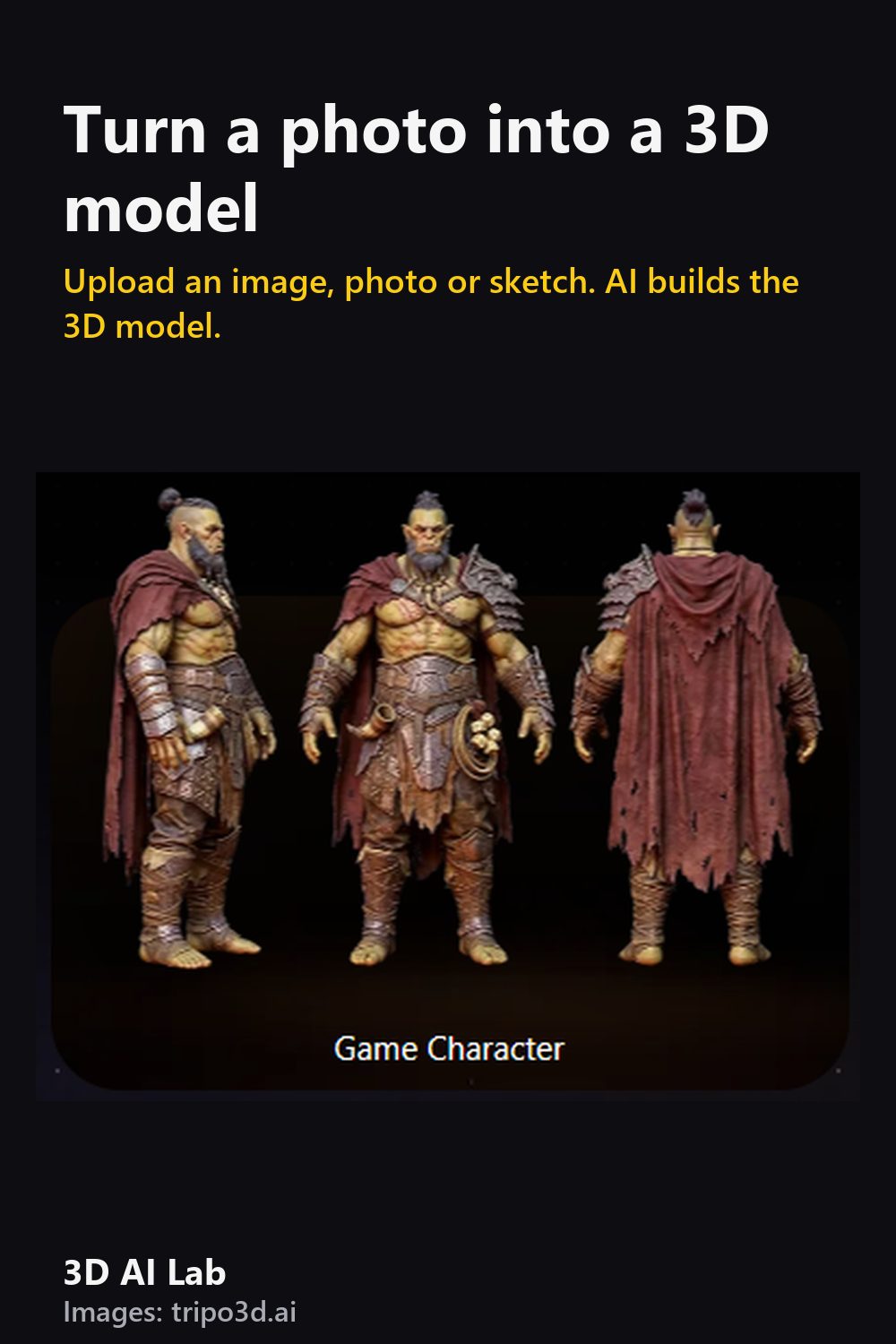
What works best as input
- One clear subject on a plain background. Crop out clutter.
- Even lighting, no harsh shadows. The AI reads shadows as shape.
- A three-quarter view shows more of the form than a flat front view.
- Sketches work if the outline is clean and closed.
Step by step with Tripo AI
- Create a free account (the free plan includes monthly credits).
- Choose Image to 3D and upload your picture.
- Generate, then spin the preview and check the back and underside, where AI guesses most.
- Regenerate or adjust if parts look melted, then export (GLB, FBX, OBJ, USD, or STL/3MF for printing).
Good first projects
Characters, props, product mockups and printable minis. Avoid thin, see-through or very reflective objects at first.
Copyright note
Only upload images you have the right to use. Turning someone else's character or product into a model doesn't make it yours to sell.